

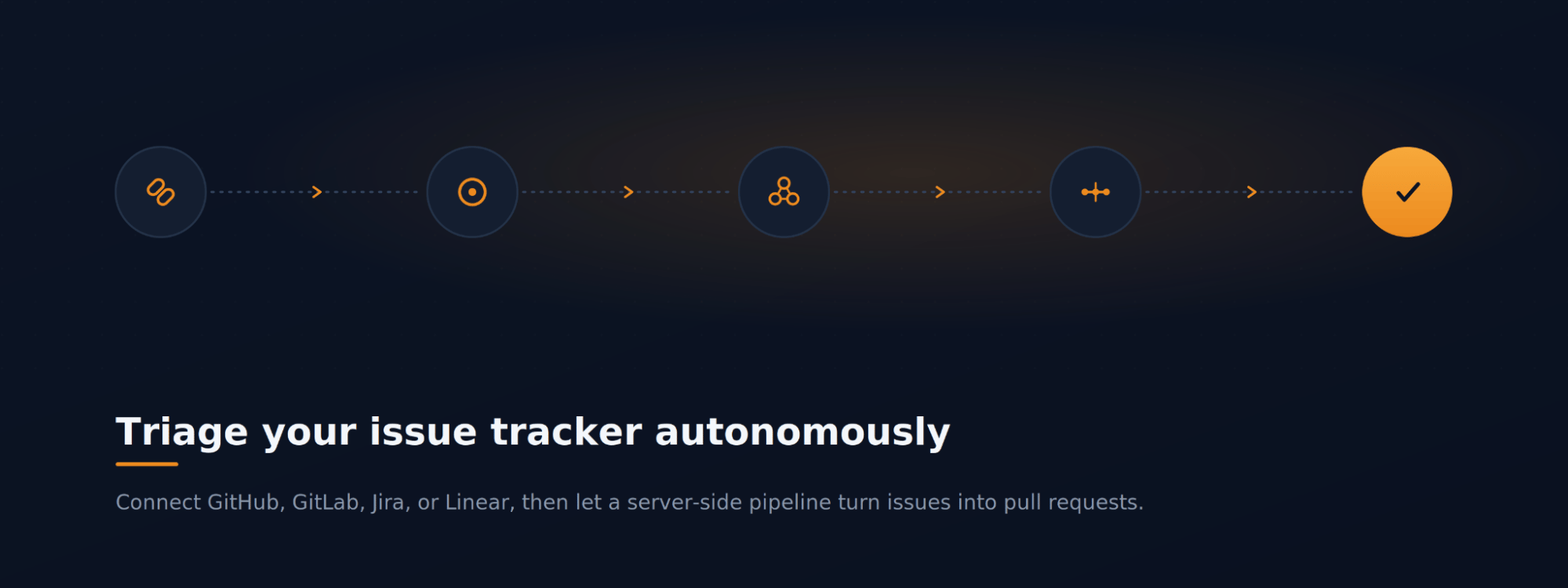
The scenario
Your team tracks work in an issue tracker — GitHub, GitLab, Jira, or Linear — and the backlog keeps growing. You want MyaiOne for Development to pull those issues in and work the routine ones down automatically, so you spend your time reviewing results rather than implementing each one by hand. This walkthrough connects a tracker (GitHub here), groups the backlog, and hands it to an autonomous pipeline that produces pull requests.Step 1: Connect your issue tracker
Open Settings → Project Settings, where MyaiOne for Development provides issue-tracker integrations for GitHub, GitLab, Jira, and Linear. Open the one your team uses — GitHub in this example — and connect it so your repository’s issues sync into MyaiOne for Development. This same Settings page is where the Autonomous Pipeline’s Configure action leads: the pipeline draws its issues from the tracker you connect here, so connecting your tracker is also what sets the pipeline up. Once connected, your issues flow into the GitHub Issues view automatically.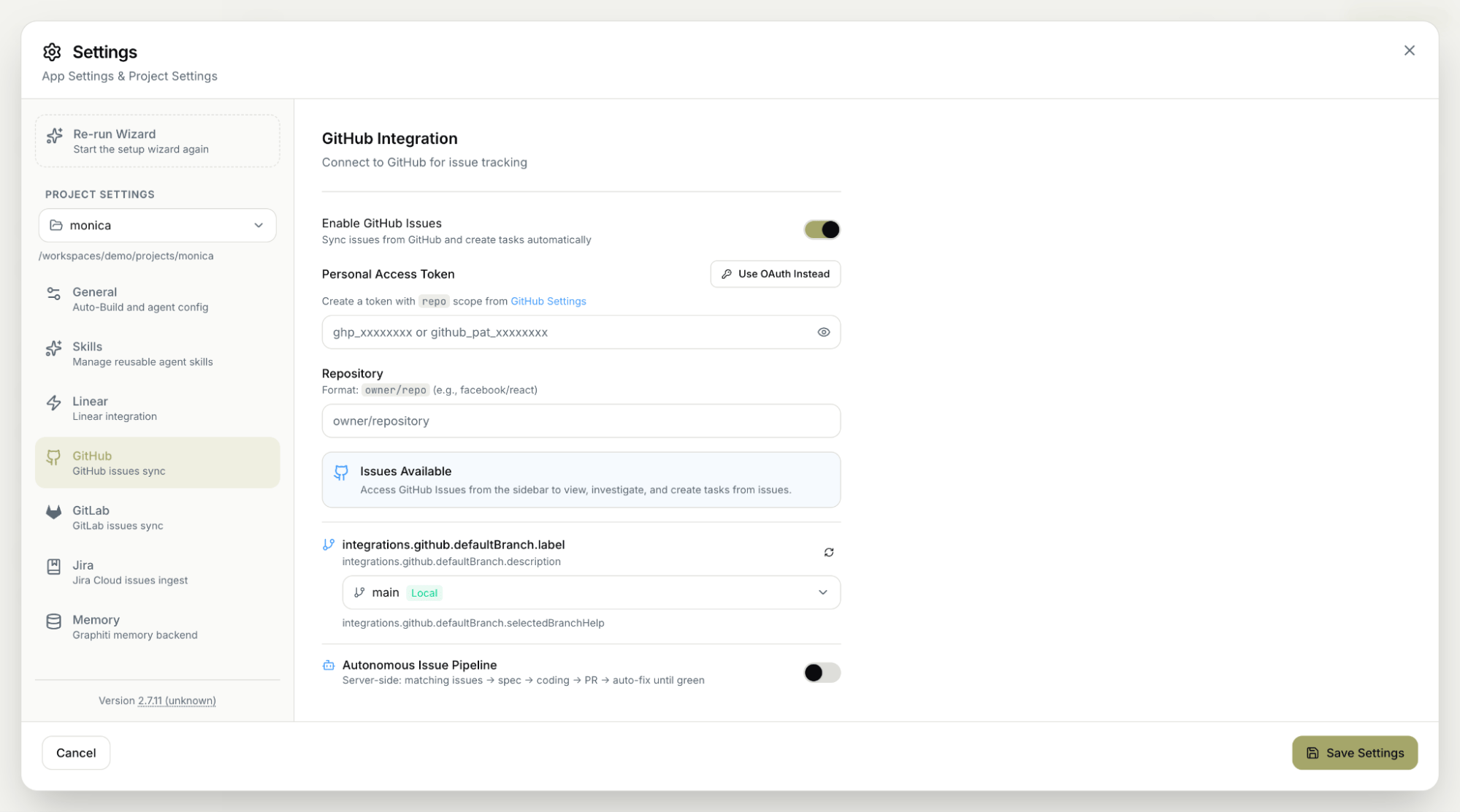
Step 2: See your issues in one place
Open GitHub Issues from the sidebar. MyaiOne for Development lists the open issues synced from your connected repository with a count of how many are open; select any issue to view its details. This page is also where the Analyze & Group Issues action and the Autonomous Pipeline live.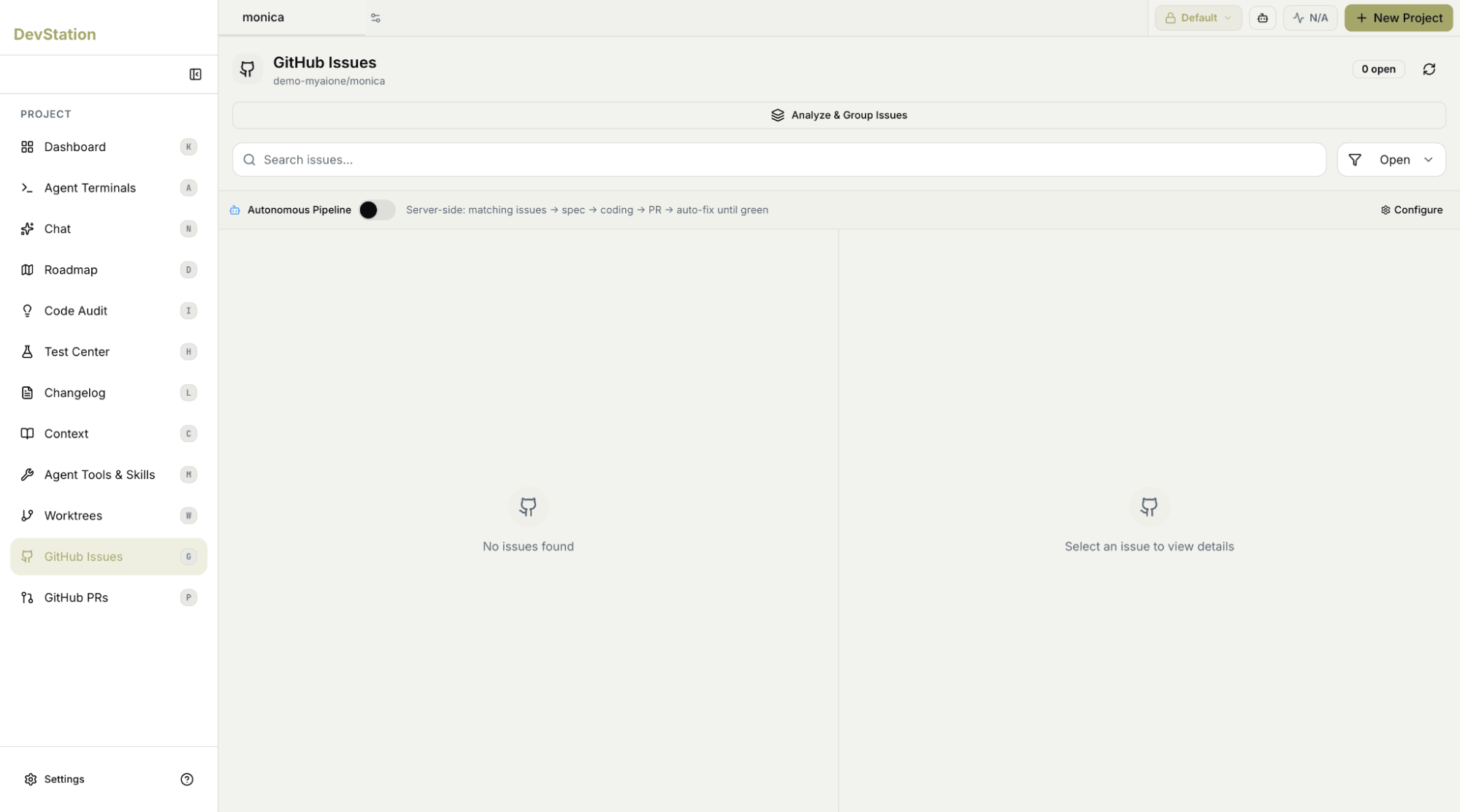
Step 3: Analyze and group related issues
Rather than working through a long list one by one, use Analyze & Group Issues. MyaiOne for Development analyzes your open issues and clusters related ones together, so you can see the themes in your backlog and tackle related work as a batch instead of in isolation.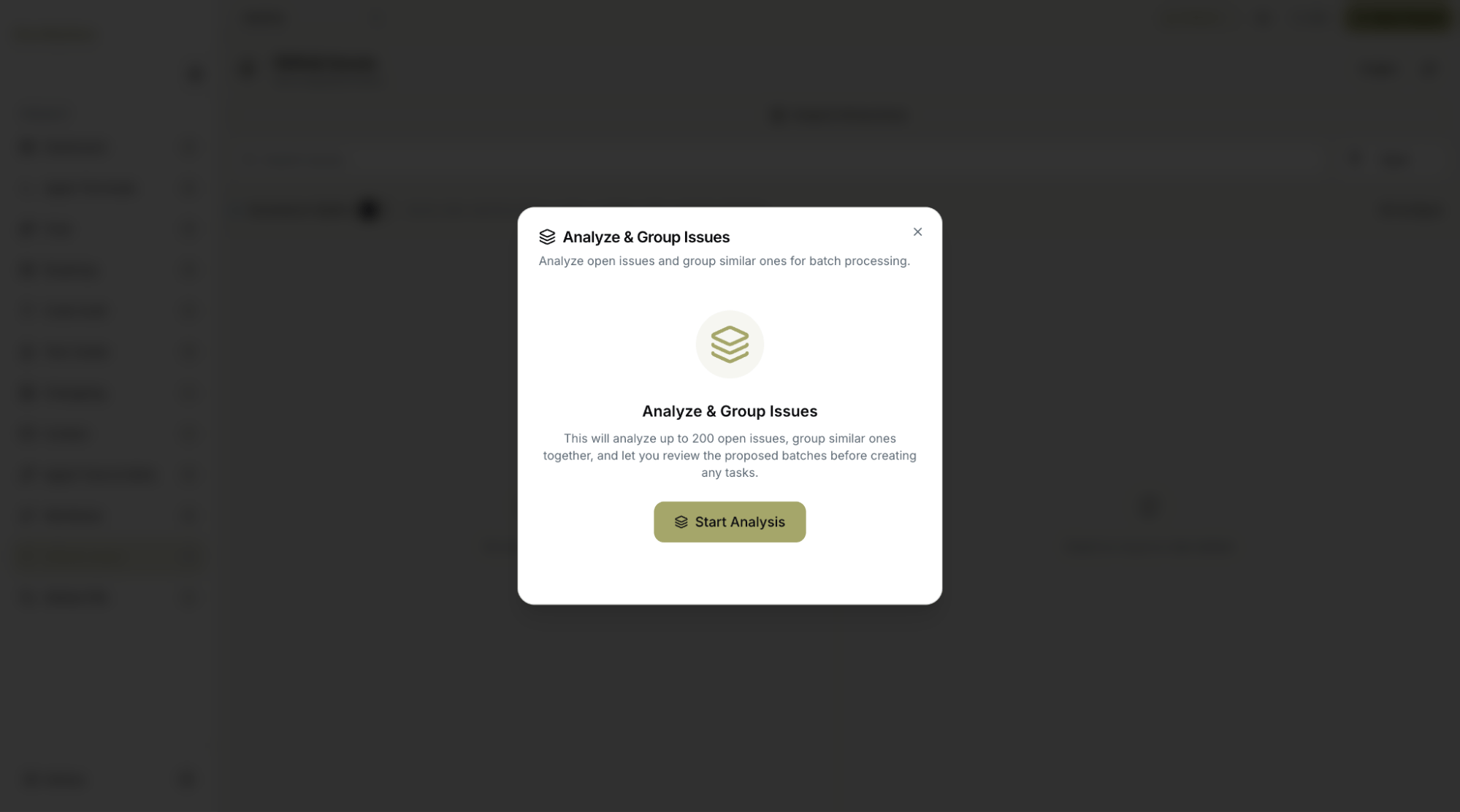
Step 4: Let the autonomous pipeline run and review the pull requests
With a tracker connected, the Autonomous Pipeline works the backlog down on its own. It’s a server-side workflow that takes matching issues all the way to a pull request: it matches issues, drafts a spec, writes the code, opens a PR, and then auto-fixes until the build is green — all without you driving each step. Your role shifts to review: each result arrives as a pull request you review and merge through your normal flow, and which also appears on the GitHub PRs page in MyaiOne for Development.
Starting from the backlog in your existing tracker, MyaiOne for Development grouped the related issues and ran an autonomous, server-side pipeline that turns each into a pull request and fixes it until green — leaving you to review and merge rather than implement from scratch. GitHub is shown here; GitLab, Jira, and Linear connect the same way.