

Generating a roadmap
Before a roadmap exists, the page shows a No Roadmap Yet state. Click Generate Roadmap to create one — an AI-powered plan that understands your project’s target audience and lays out a strategic set of features.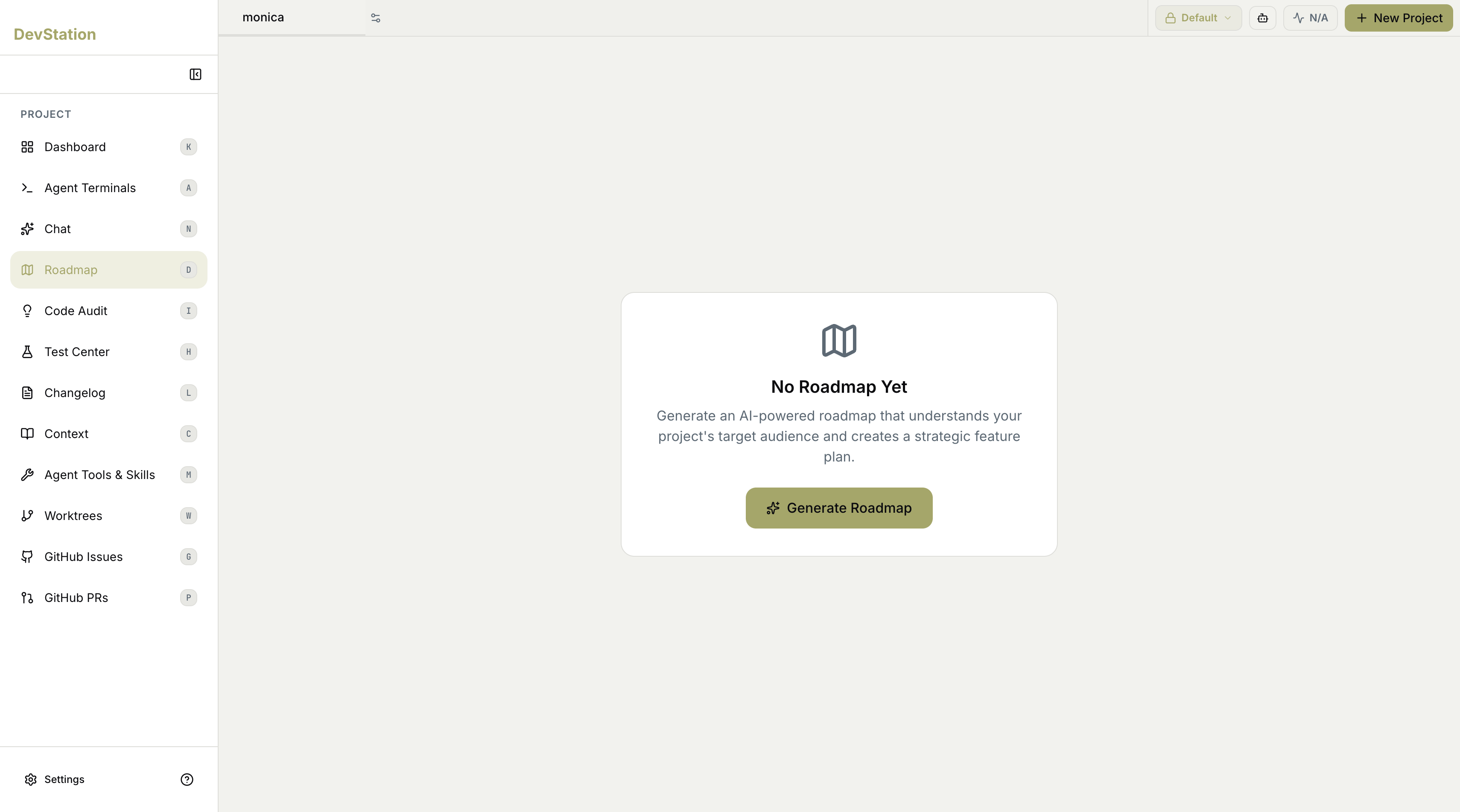
Choosing competitor analysis
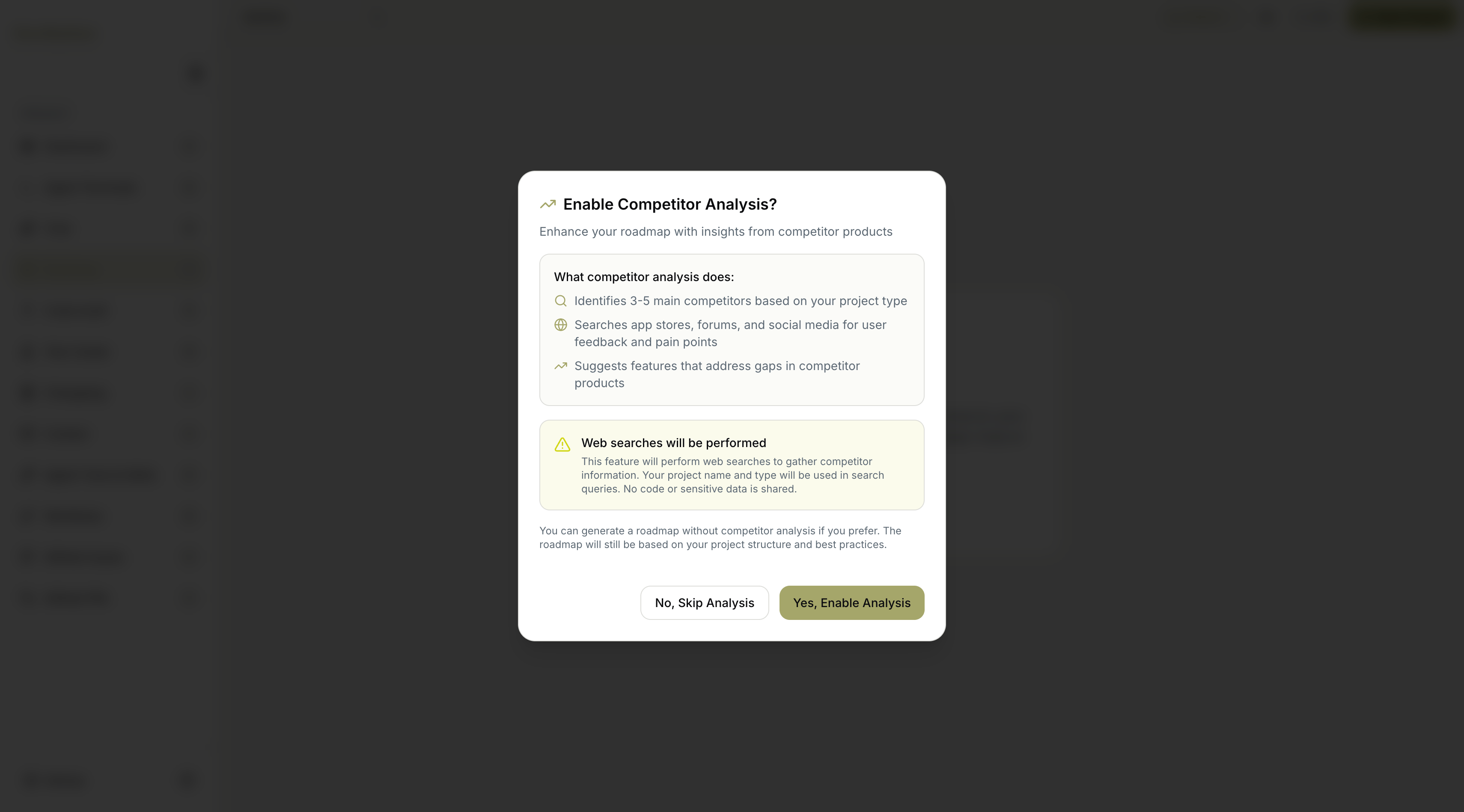
When you start generation, MyaiOne for Development asks whether to enable competitor analysis — an optional step that enhances the roadmap with insights from competitor products. You decide before generation begins:- Yes, Enable Analysis — include competitor research in the roadmap.
- No, Skip Analysis — generate from your project structure and best practices alone.
What competitor analysis adds
If you enable it, the analysis:- Identifies 3–5 main competitors based on your project type.
- Searches public sources — app stores, forums, and social media — for user feedback and pain points.
- Suggests features that address gaps in competitor products.
What you’ll get
Either path produces a roadmap built around your project:- A plan that understands your project’s target audience.
- A strategic feature plan derived from your project’s structure and best practices.
- With analysis enabled, additional feature suggestions that address gaps found in competitor products.
Skipping competitor analysis still produces a complete roadmap — it’s based on your project structure and best practices, just without the competitor-derived suggestions.