

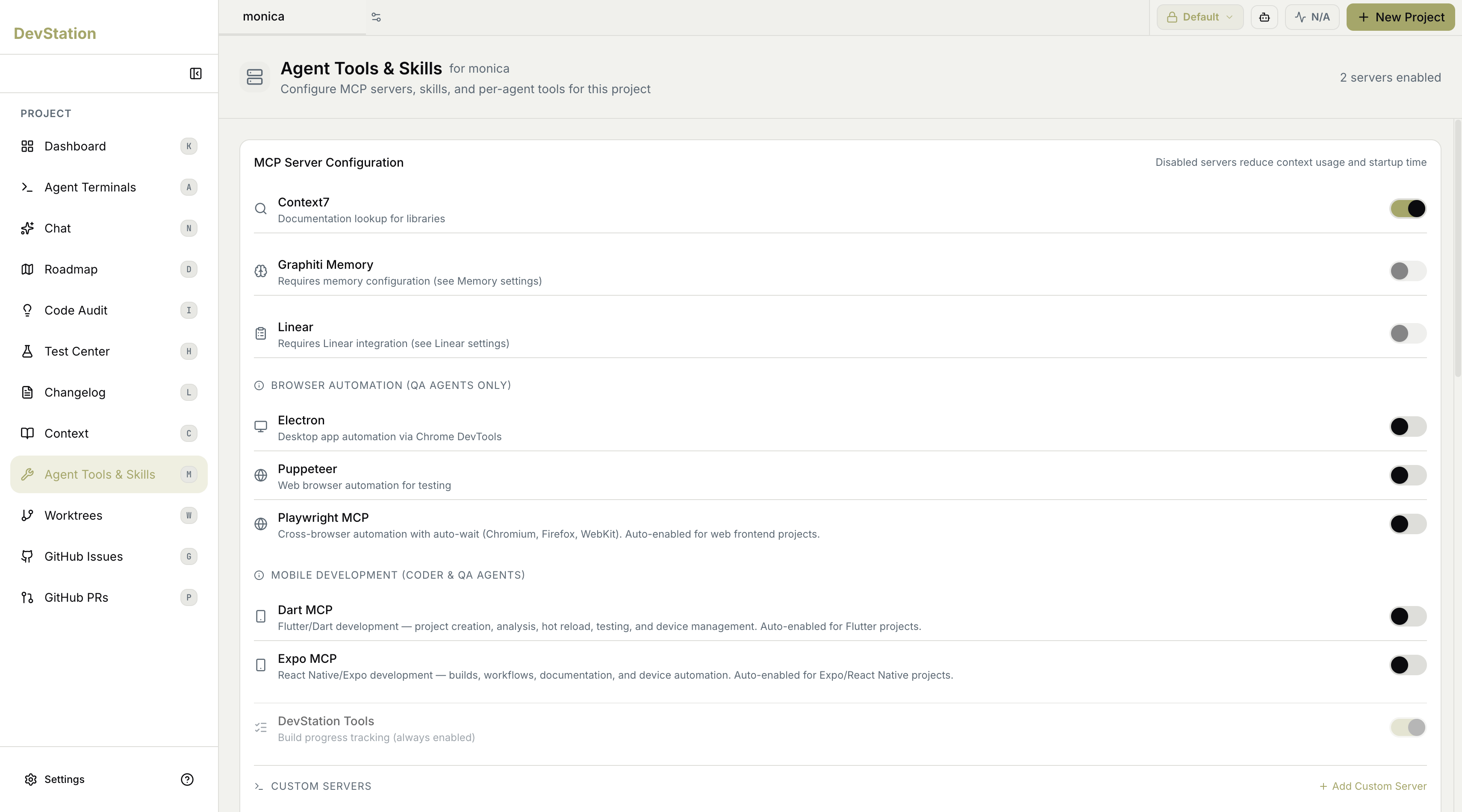
MCP server configuration
The main panel lists the available MCP servers grouped by purpose, each with a toggle. Some are enabled by default for the kind of project you’re working on; others require additional configuration before they’ll work, and a few are scoped to specific agent roles. Enable only the servers your project actually needs.Some servers are auto-enabled based on your project type — for example, browser automation for web frontend projects, or mobile tooling for Flutter and React Native projects — so the right tools are usually on without manual setup.
General servers
A set of general-purpose servers covers common needs:- Context7 — documentation lookup for libraries.
- Graphiti Memory — graph-based memory; requires memory configuration (see your Memory settings).
- Linear — issue-tracker integration; requires Linear integration (see your Linear settings).
Browser automation
Grouped under Browser Automation and scoped to QA agents, these drive a browser for testing:- Electron — desktop app automation via Chrome DevTools.
- Puppeteer — web browser automation for testing.
- Playwright MCP — cross-browser automation with auto-wait across Chromium, Firefox, and WebKit. Auto-enabled for web frontend projects.
Mobile development
Grouped under Mobile Development and available to Coder and QA agents, these support mobile stacks:- Dart MCP — Flutter/Dart development, covering project creation, analysis, hot reload, testing, and device management. Auto-enabled for Flutter projects.
- Expo MCP — React Native/Expo development, covering builds, workflows, documentation, and device automation. Auto-enabled for Expo/React Native projects.