

devstation.myai1.ai.
MyaiOne for Development builds on coding agents you already know — Claude, Codex, and Cursor — and adds the structure around them: isolated workspaces, a task pipeline, quality gates, and the controls to keep humans in the loop.
How it works
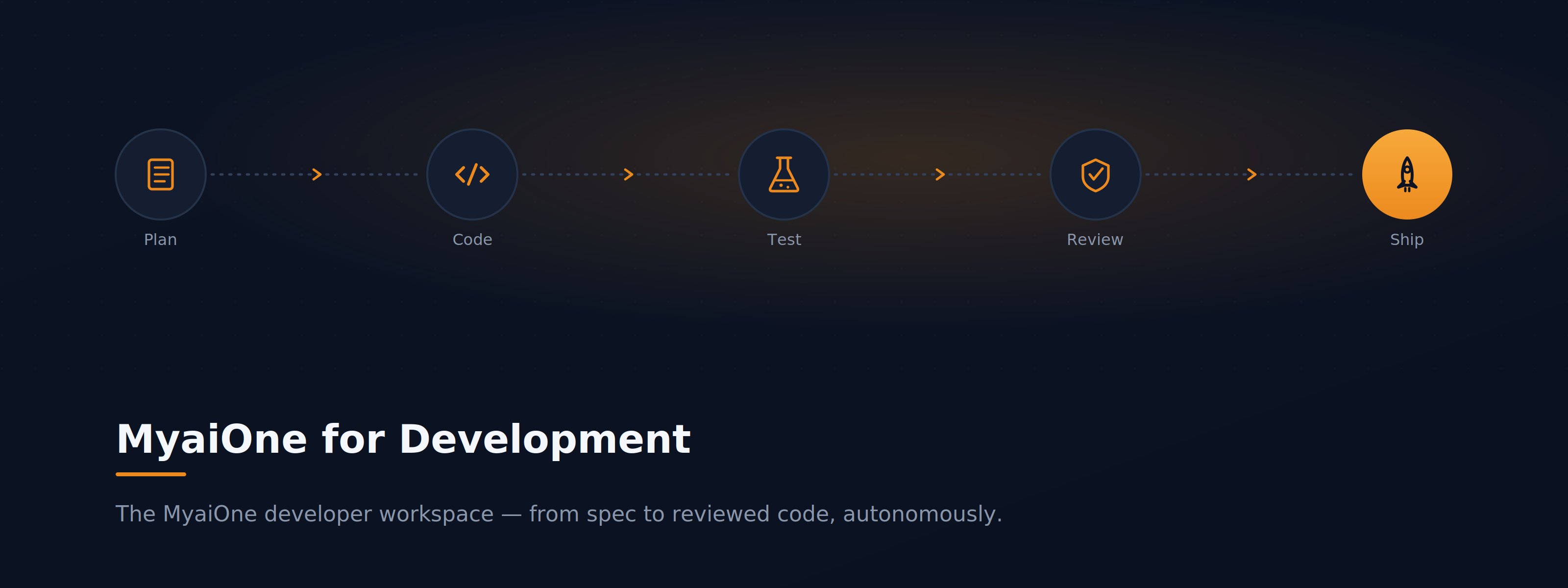
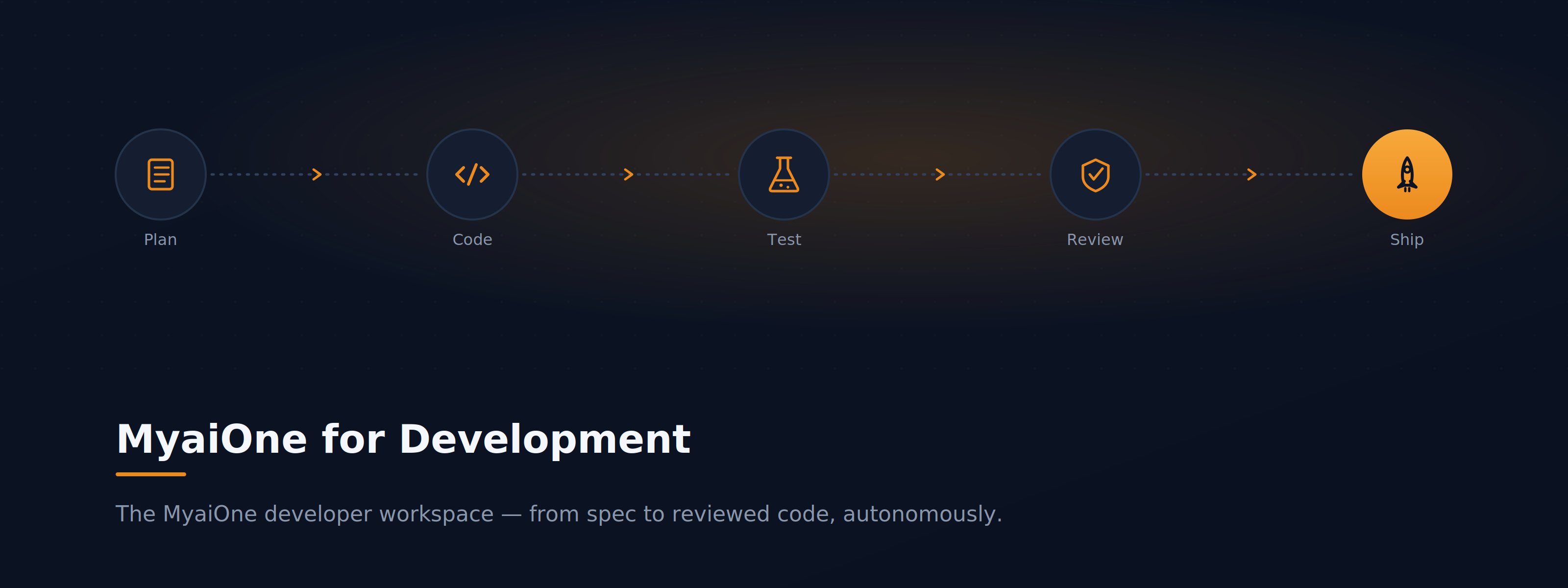
Every project runs in its own dedicated cloud workspace. AI coding agents pick up tasks and move them through a build-and-review pipeline — Planning → Queue → In Progress → AI Review → Human Review → Done — each working in an isolated git worktree so parallel work never collides. Security scanning, testing, and CI/CD quality gates are built in, agents autofix failing checks until they pass, and you can step into the code yourself at any point over Web, IDE, or SSH.Where to go next
Quickstart
Set up MyaiOne for Development from scratch — sign in, create your first project, and land in your workspace.
Guides
Task-based walkthroughs: patch a vulnerability, onboard, run parallel agents, triage issues, and more.