

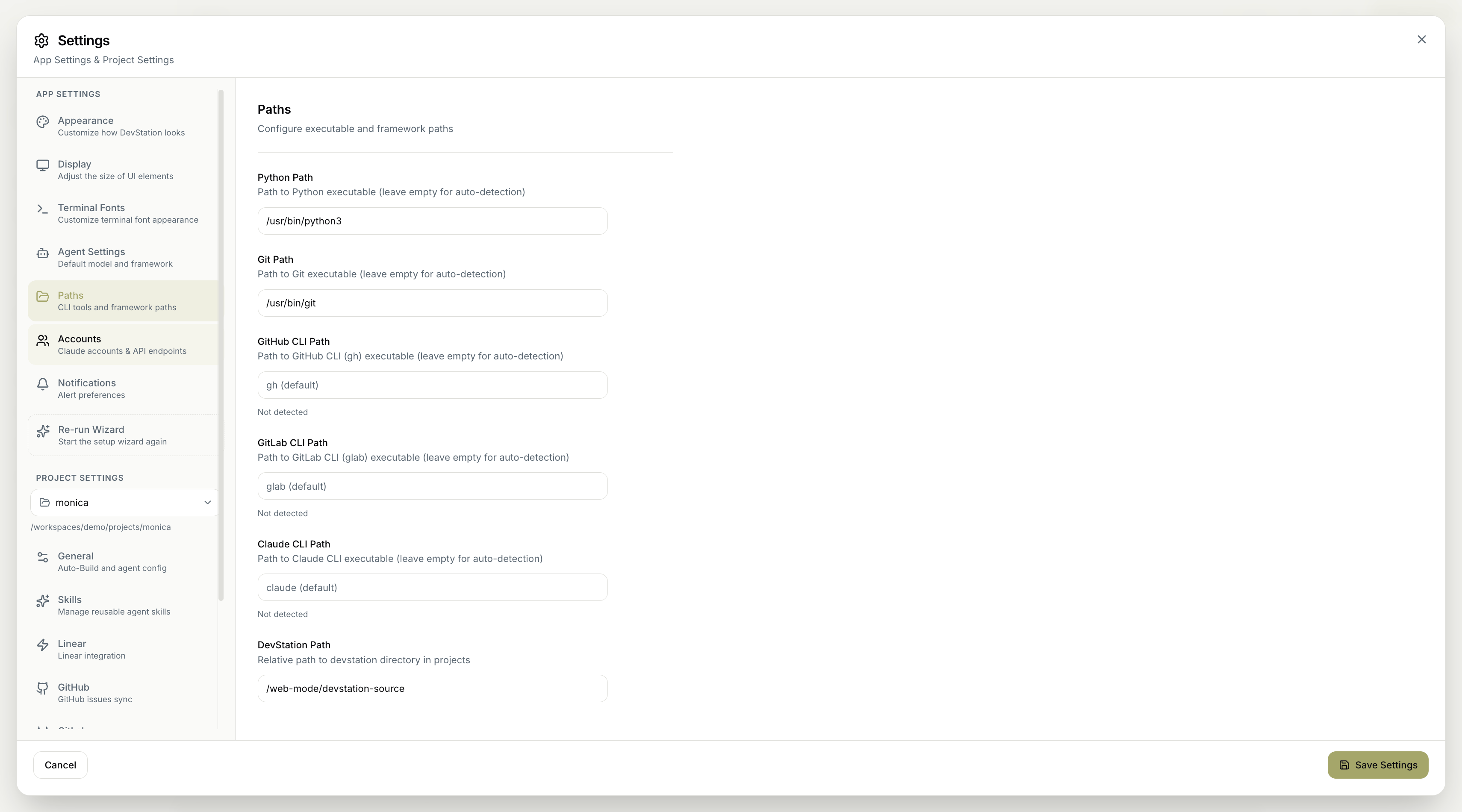
Executable paths
Each field points to a command-line tool. Leave it blank to let MyaiOne for Development find the tool itself, or enter a full path to override. When a tool hasn’t been found, the field shows Not detected.- Python Path — the Python executable.
- Git Path — the Git executable.
- GitHub CLI Path — the GitHub CLI (
gh) executable. - GitLab CLI Path — the GitLab CLI (
glab) executable. - Claude CLI Path — the Claude CLI executable.
A Not detected label just means the tool wasn’t found on the default path. If you have it installed, point the field at its location; if you don’t use that tool, you can leave it as-is.
Framework path
- DevStation Path — the relative path to the
devstationdirectory within your projects.
Remember to click Save Settings to apply your changes. Cancel discards them.