

Claude Code accounts
The Claude Code tab lists your connected Claude accounts. You can add more than one subscription so MyaiOne for Development can automatically switch between them when you hit rate limits — keeping work moving instead of stalling on a single account’s limit.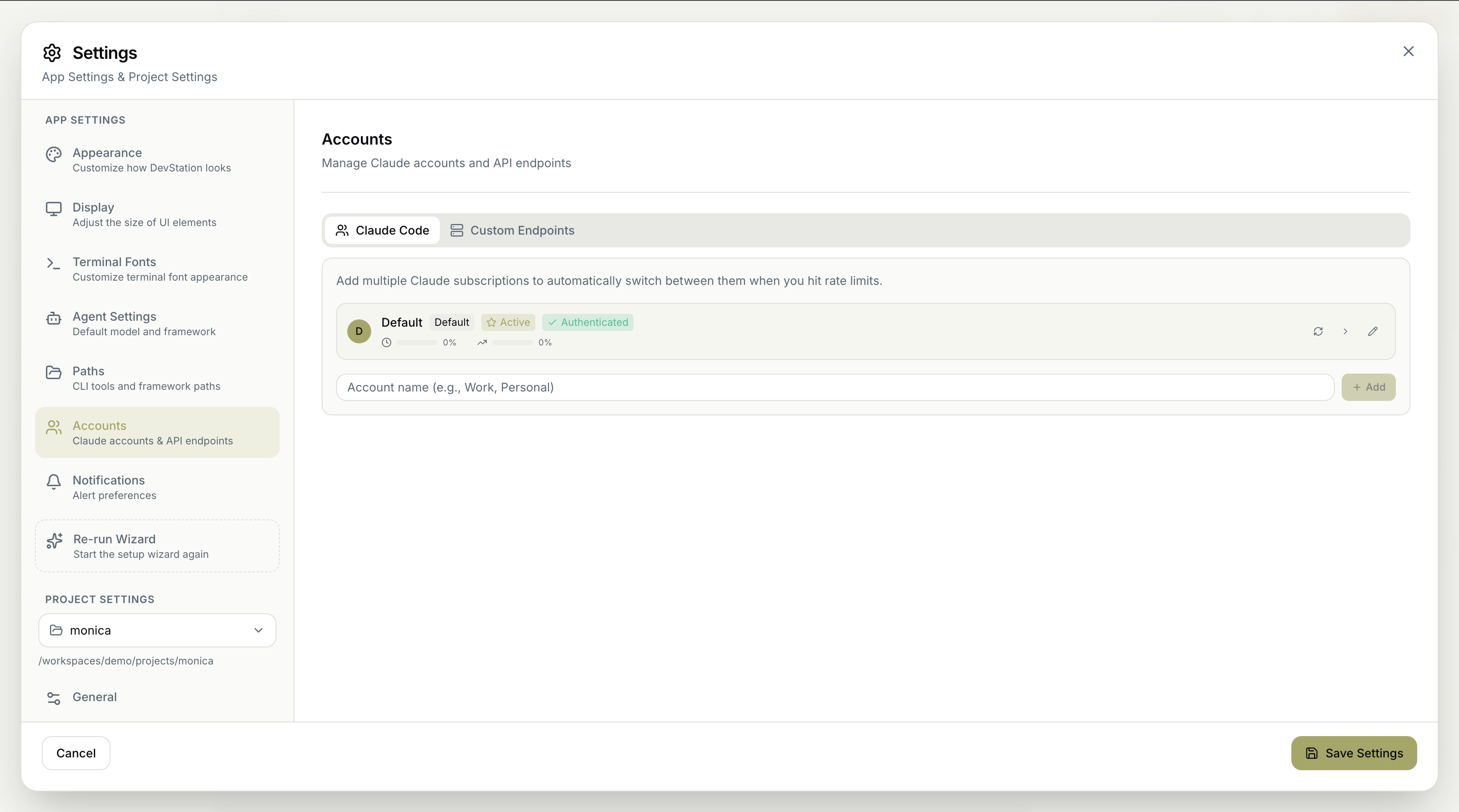
- Status — whether the account is Active and Authenticated.
- Usage — how much of the account’s capacity is currently consumed.
Adding multiple accounts is the simplest way to avoid interruptions — when one subscription hits its rate limit, MyaiOne for Development falls back to another automatically.
Custom endpoints
The Custom Endpoints tab lets you configure custom Anthropic-compatible API endpoints to use alternative providers instead of (or alongside) the default. When none are set up, the tab shows a No Custom Endpoints state.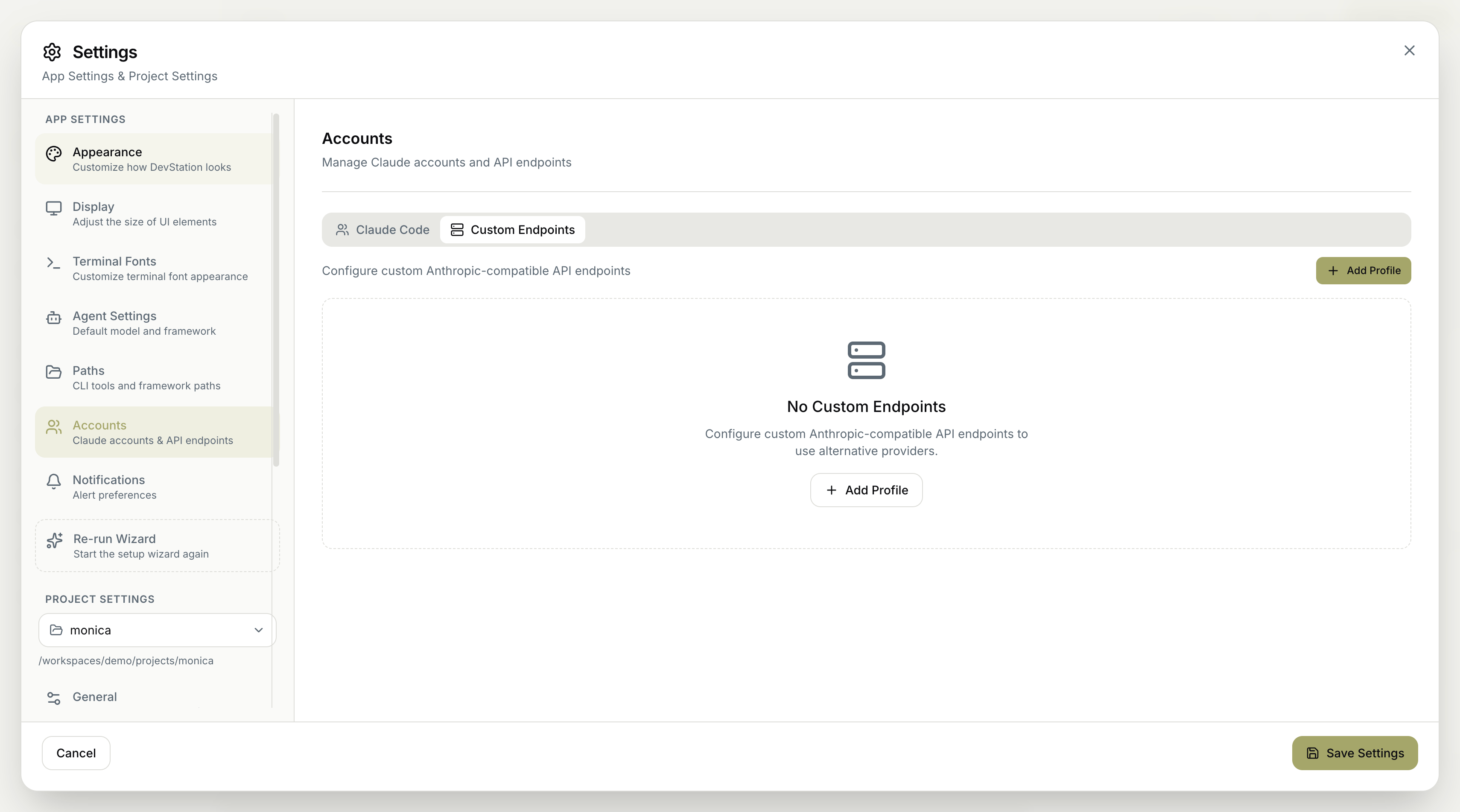
Remember to click Save Settings to apply your changes. Cancel discards them.