

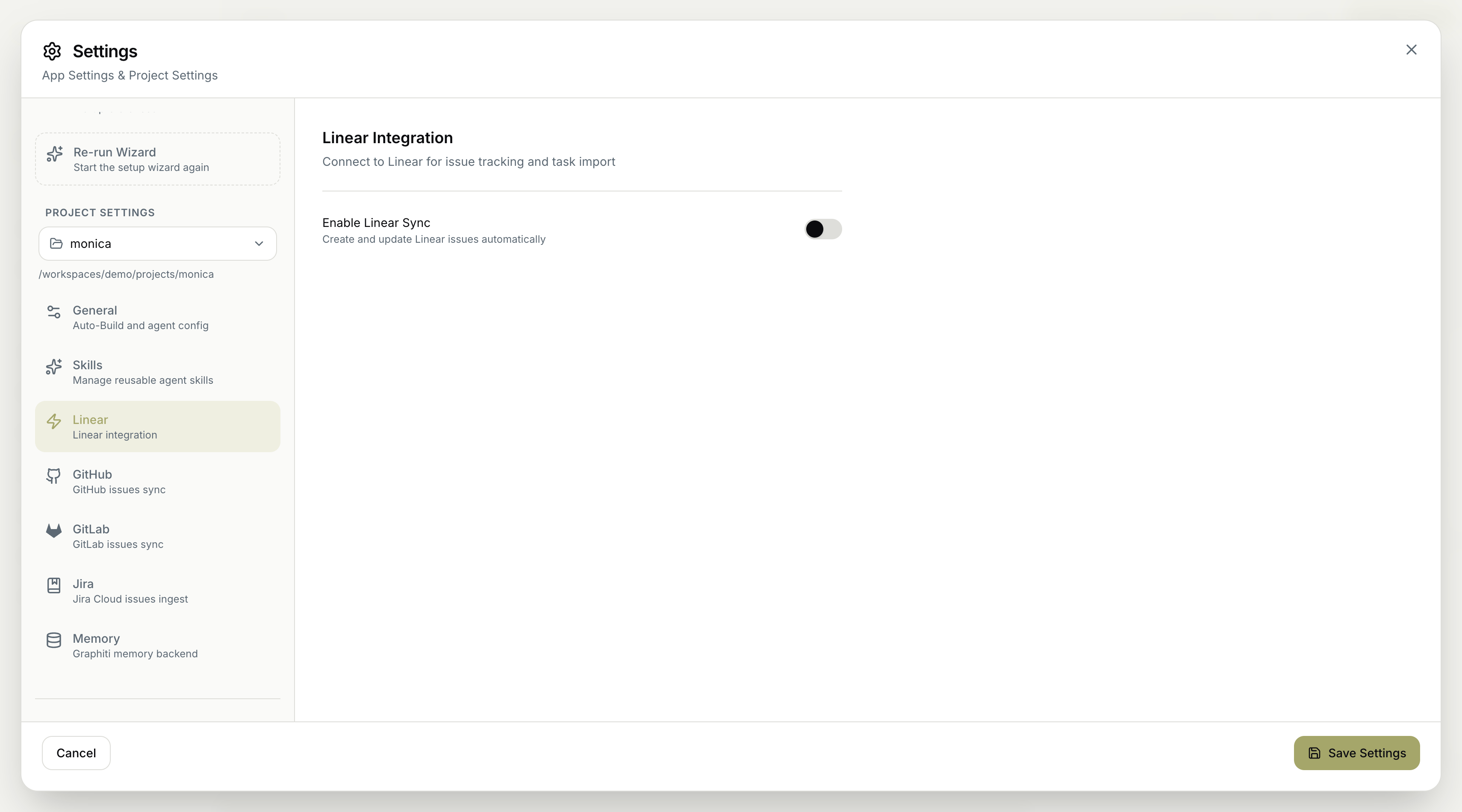
Enable Linear Sync
- Enable Linear Sync — create and update Linear issues automatically, so your Linear workspace reflects the project’s work without manual updates.
Linear is one of the issue trackers MyaiOne for Development supports. Connecting it here lets the project import tasks from Linear and push status back to it. For the broader workflow of pulling a tracker’s backlog and working it down, see Triage your issue tracker autonomously.
Remember to save your changes for them to take effect.