

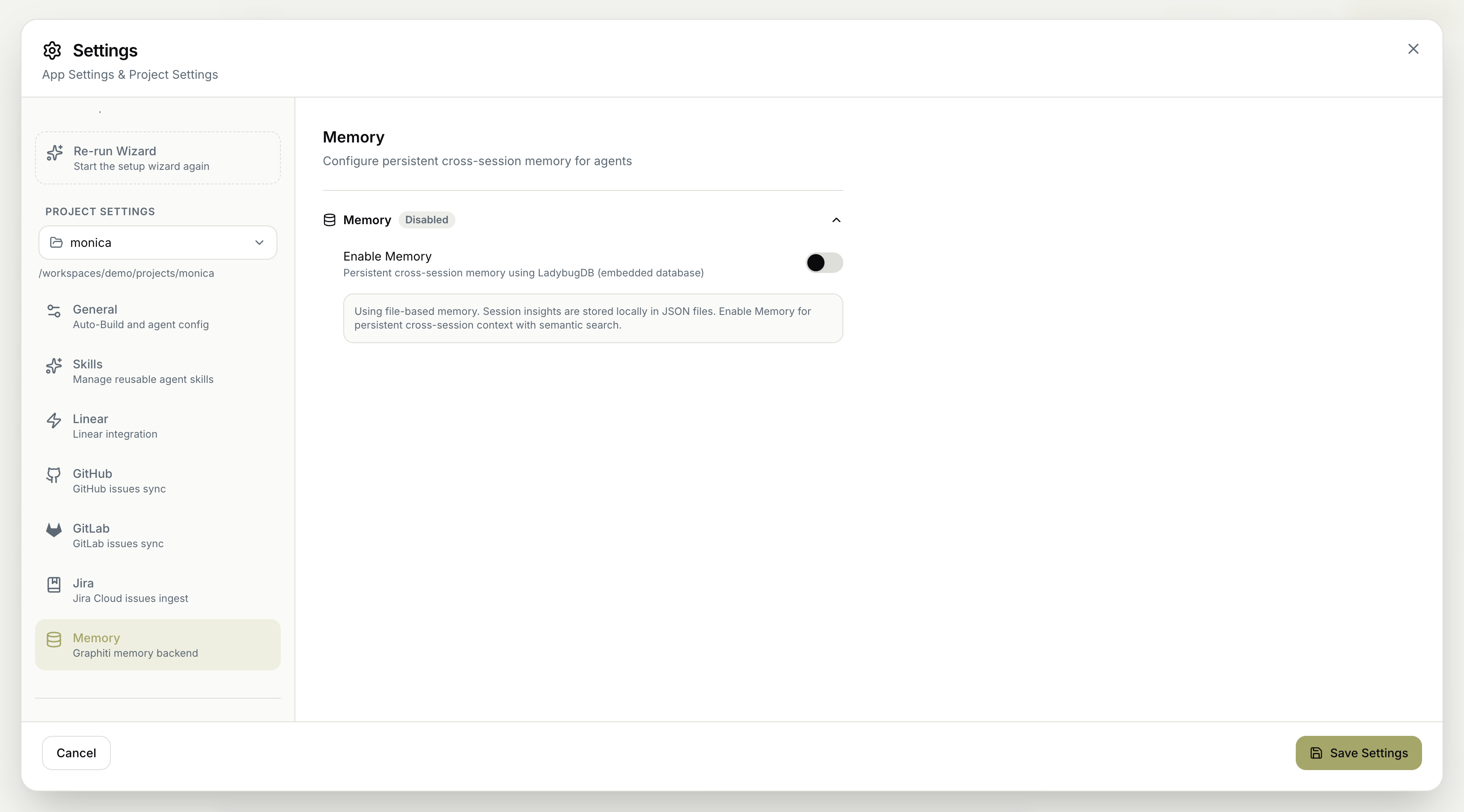
Enable Memory
- Enable Memory — turn on persistent cross-session memory, backed by an embedded database (LadybugDB). This gives agents durable cross-session context with semantic search over what they’ve learned.
File-based fallback
When memory is disabled, the project uses file-based memory instead: session insights are stored locally in JSON files. This still captures insights, but without the persistent cross-session context and semantic search that enabling memory provides.The difference is durability and searchability. File-based memory keeps session insights in local JSON files; enabling Memory stores them in an embedded database so agents get persistent cross-session context with semantic search across everything they’ve learned.
Remember to save your changes for them to take effect.