

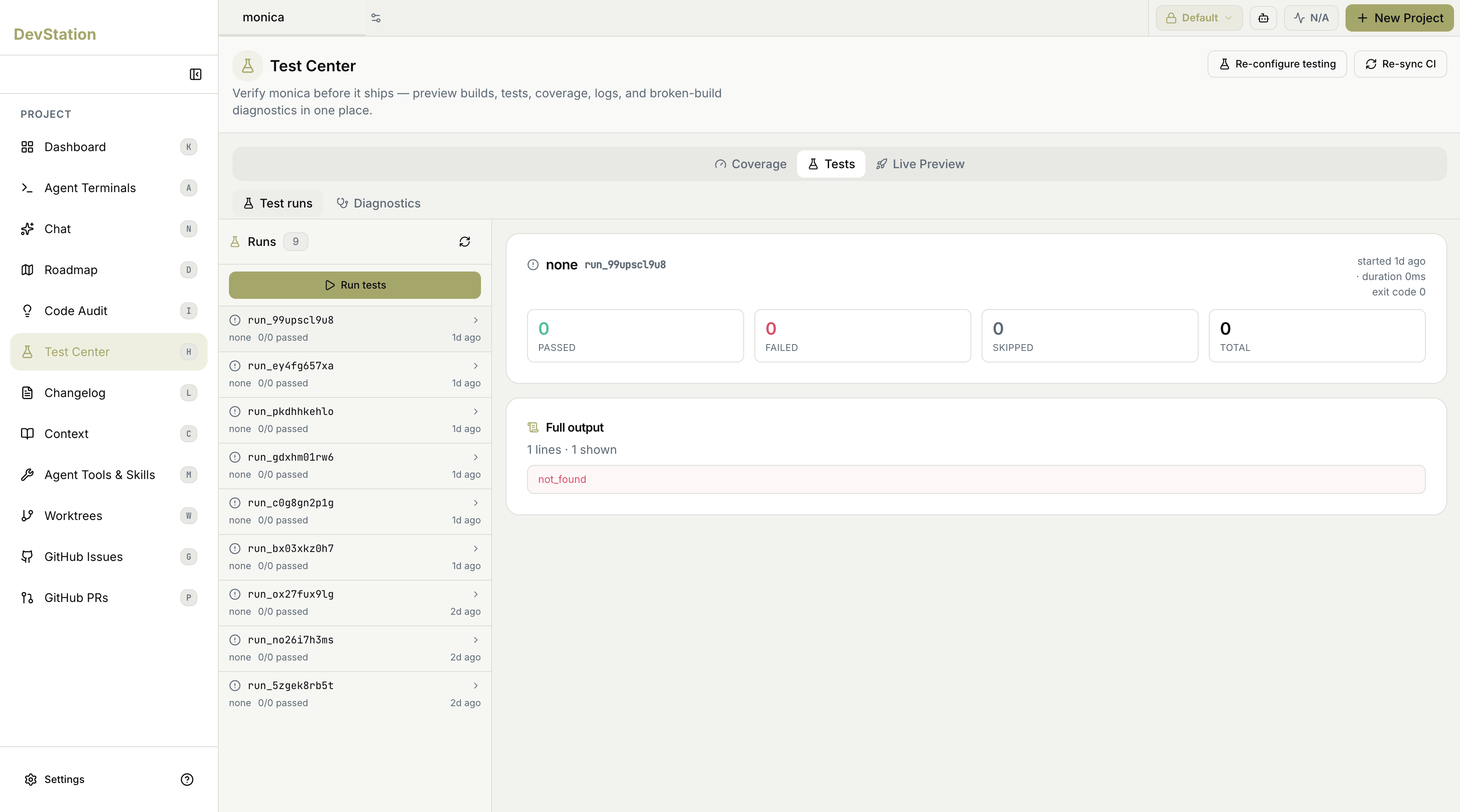
Running the suite
Click Run tests to execute the suite with coverage. The run shows live progress in the Tests tab, and when it finishes, results populate across the views. If you want more tests before running, use Generate more to have an agent write additional tests first.The three views
Test Center is organized into three tabs, each its own page:Coverage
How much of your code the suite exercises, collected from the latest run.
Tests
Run history and results — what passed, failed, or was skipped — plus diagnostics for broken builds.
Live Preview
Preview builds of your project and your branches, so you can see them running before they ship.
Configuring testing and CI
Two actions in the header manage how testing is set up:- Re-configure testing — revisit the testing setup for the project (framework, test types, and layout). On a project that hasn’t been set up yet, this is where you configure testing for the first time.
- Re-sync CI — regenerate the project’s GitHub Actions workflows from the latest DevStation templates and open a pull request with the changes.
Setting up testing from scratch — detecting components, choosing a framework, and generating the first tests — is walked through end to end in Stand up testing from zero.