

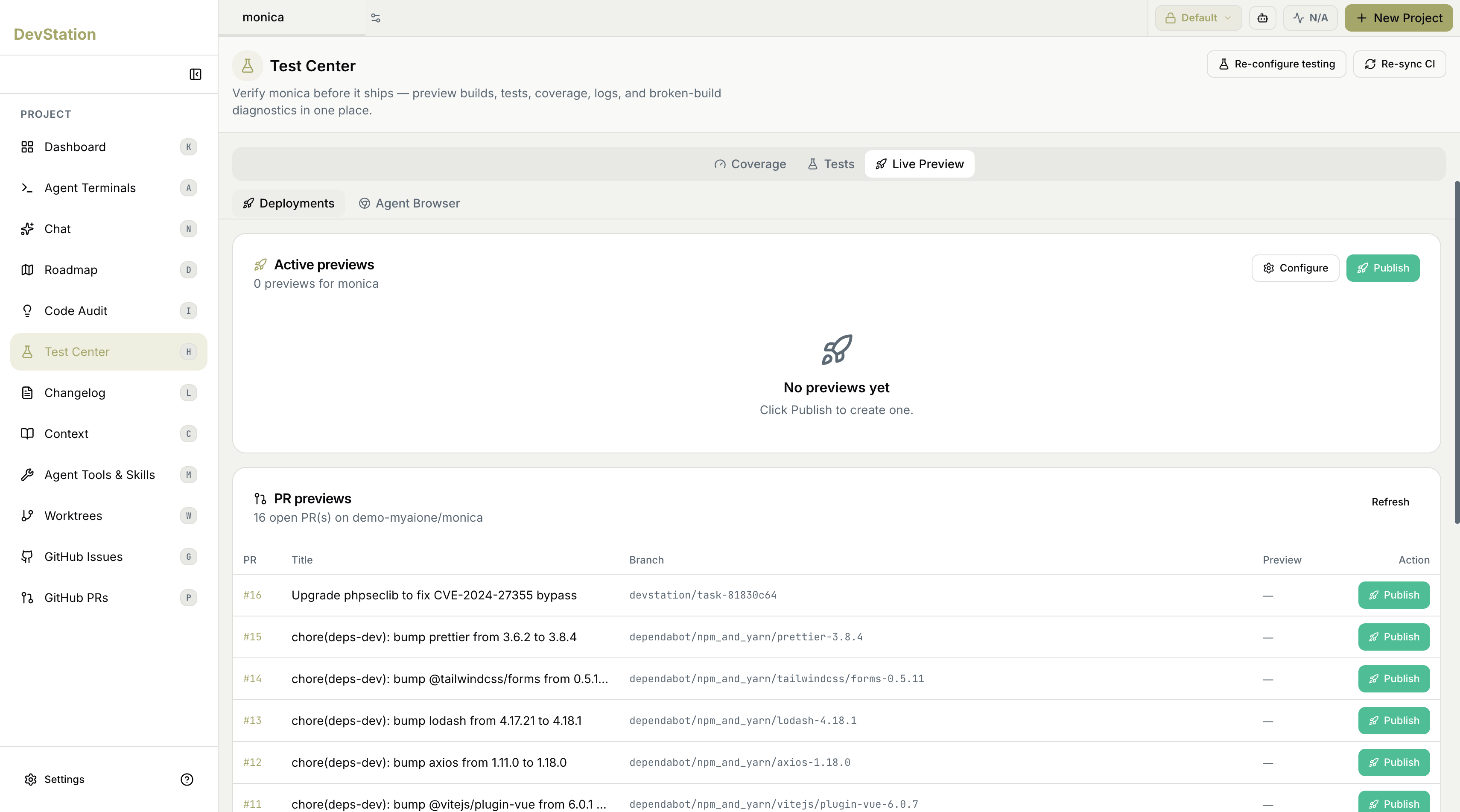
Deployments
The Deployments view manages preview builds of your project:- Active previews — the previews currently running for your project. When there are none, it shows a No previews yet state.
- Publish — create a new preview deployment.
- Configure — adjust how previews are built and published.
PR previews
Below active previews, PR previews lists the open pull requests on your connected repository, with a count of how many are open. For each PR you see its title and branch, and a Publish action to spin up a preview build for that specific pull request — so you can review a proposed change as a running app, not just as a diff. Use Refresh to update the list.Publishing a preview per pull request lets reviewers interact with the change in a real environment before it’s merged — useful for catching issues that don’t show up in the code itself.
Agent Browser
The Agent Browser sub-view provides a browser experience tied to the workspace, so the running preview can be viewed and exercised directly within Test Center.A detailed walkthrough of the Agent Browser will be added once that view is captured in use.