> ## Documentation Index
> Fetch the complete documentation index at: https://docs.myaione.com/llms.txt
> Use this file to discover all available pages before exploring further.
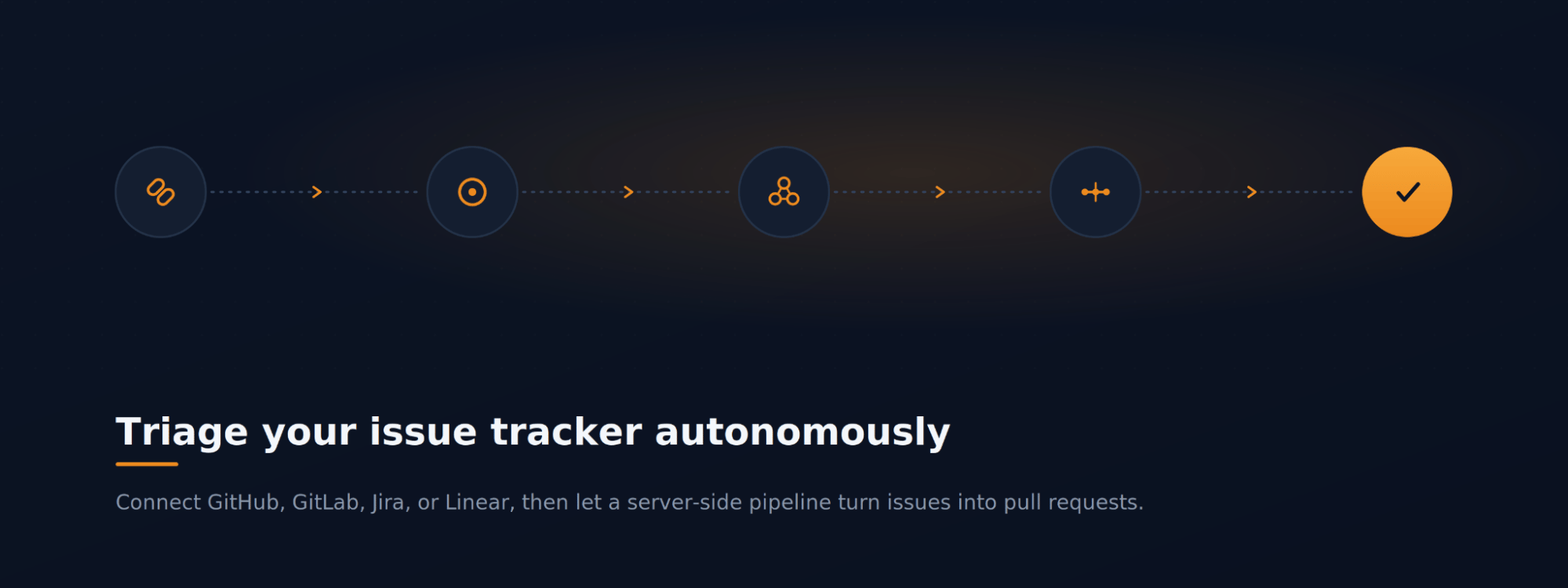
# Triage your issue tracker autonomously
> Connect your team's issue tracker — GitHub, GitLab, Jira, or Linear — pull its backlog into MyaiOne for Development, group the related issues, and let a server-side pipeline turn each into a reviewed pull request. GitHub is the worked example here; the others connect the same way.
 ## The scenario
Your team tracks work in an issue tracker — GitHub, GitLab, Jira, or Linear — and the backlog keeps growing. You want MyaiOne for Development to pull those issues in and work the routine ones down automatically, so you spend your time reviewing results rather than implementing each one by hand. This walkthrough connects a tracker (GitHub here), groups the backlog, and hands it to an autonomous pipeline that produces pull requests.
***
## Step 1: Connect your issue tracker
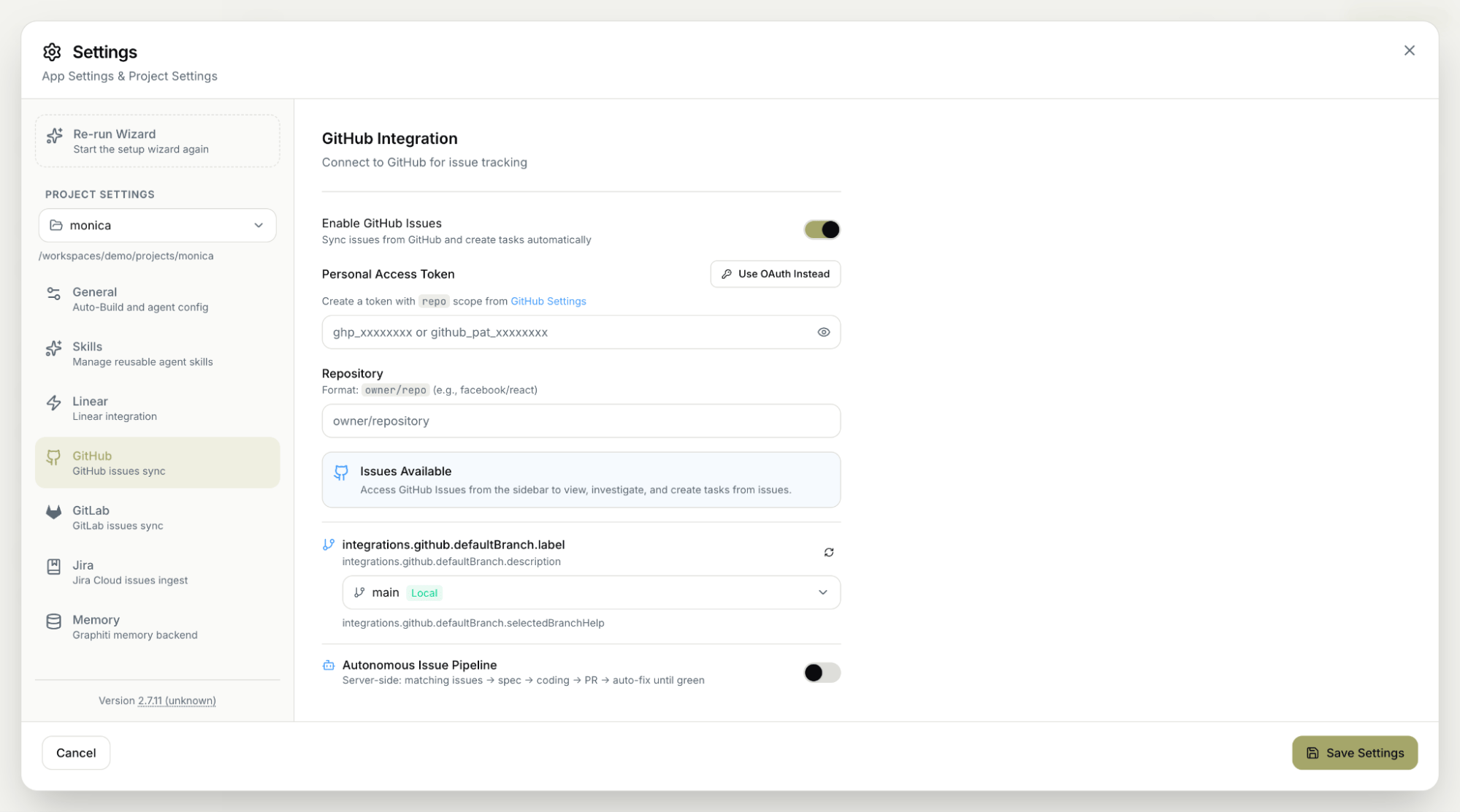
Open **Settings → Project Settings**, where MyaiOne for Development provides issue-tracker integrations for **GitHub**, **GitLab**, **Jira**, and **Linear**. Open the one your team uses — **GitHub** in this example — and connect it so your repository's issues sync into MyaiOne for Development.
This same Settings page is where the **Autonomous Pipeline's Configure** action leads: the pipeline draws its issues from the tracker you connect here, so connecting your tracker is also what sets the pipeline up. Once connected, your issues flow into the GitHub Issues view automatically.
**No migration required.** You don't move your work anywhere. MyaiOne for Development reads issues from the tracker you already use, so the team keeps working where they always have.
## The scenario
Your team tracks work in an issue tracker — GitHub, GitLab, Jira, or Linear — and the backlog keeps growing. You want MyaiOne for Development to pull those issues in and work the routine ones down automatically, so you spend your time reviewing results rather than implementing each one by hand. This walkthrough connects a tracker (GitHub here), groups the backlog, and hands it to an autonomous pipeline that produces pull requests.
***
## Step 1: Connect your issue tracker
Open **Settings → Project Settings**, where MyaiOne for Development provides issue-tracker integrations for **GitHub**, **GitLab**, **Jira**, and **Linear**. Open the one your team uses — **GitHub** in this example — and connect it so your repository's issues sync into MyaiOne for Development.
This same Settings page is where the **Autonomous Pipeline's Configure** action leads: the pipeline draws its issues from the tracker you connect here, so connecting your tracker is also what sets the pipeline up. Once connected, your issues flow into the GitHub Issues view automatically.
**No migration required.** You don't move your work anywhere. MyaiOne for Development reads issues from the tracker you already use, so the team keeps working where they always have.
 ***
## Step 2: See your issues in one place
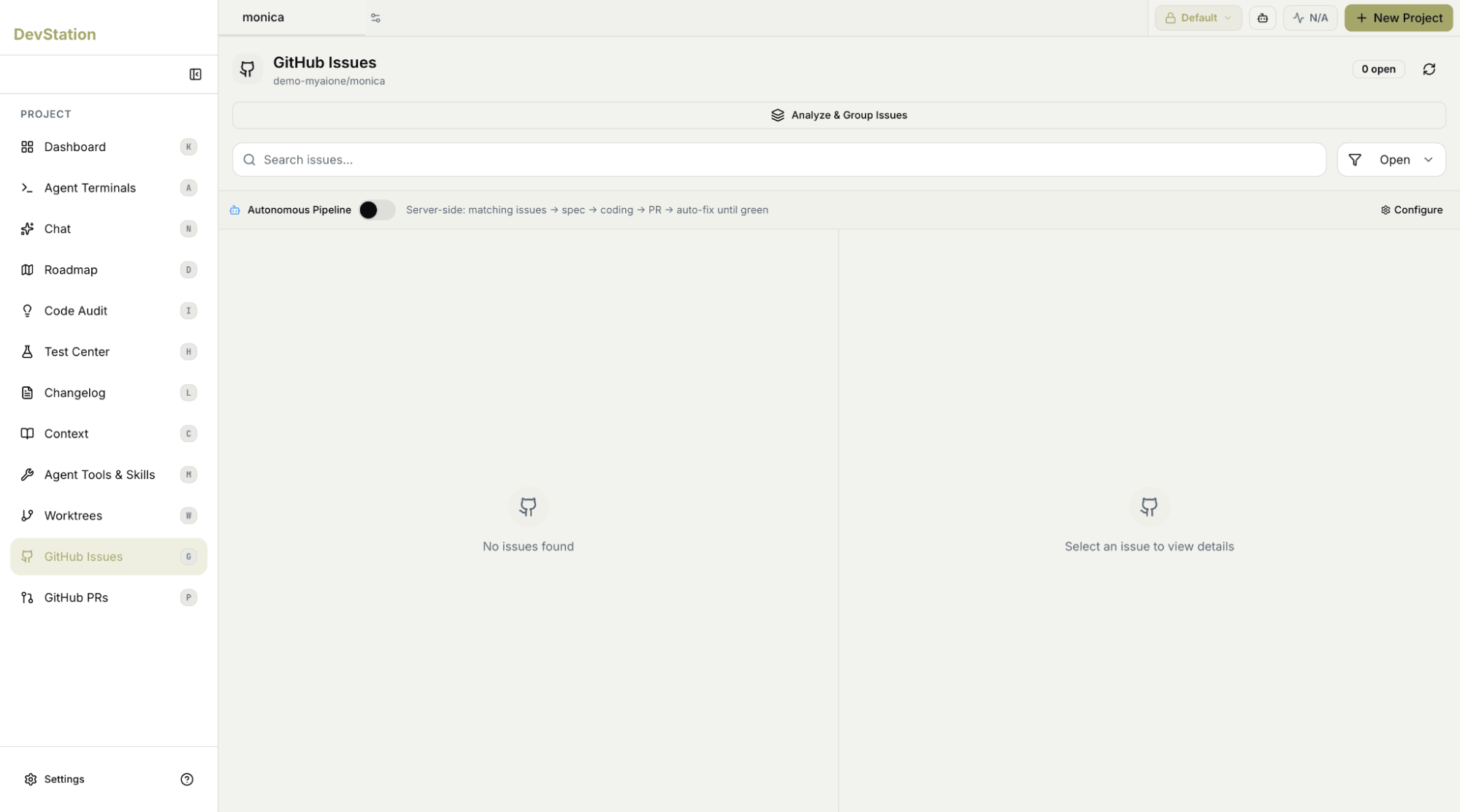
Open **GitHub Issues** from the sidebar. MyaiOne for Development lists the open issues synced from your connected repository with a count of how many are open; select any issue to view its details. This page is also where the **Analyze & Group Issues** action and the **Autonomous Pipeline** live.
***
## Step 2: See your issues in one place
Open **GitHub Issues** from the sidebar. MyaiOne for Development lists the open issues synced from your connected repository with a count of how many are open; select any issue to view its details. This page is also where the **Analyze & Group Issues** action and the **Autonomous Pipeline** live.
 ***
## Step 3: Analyze and group related issues
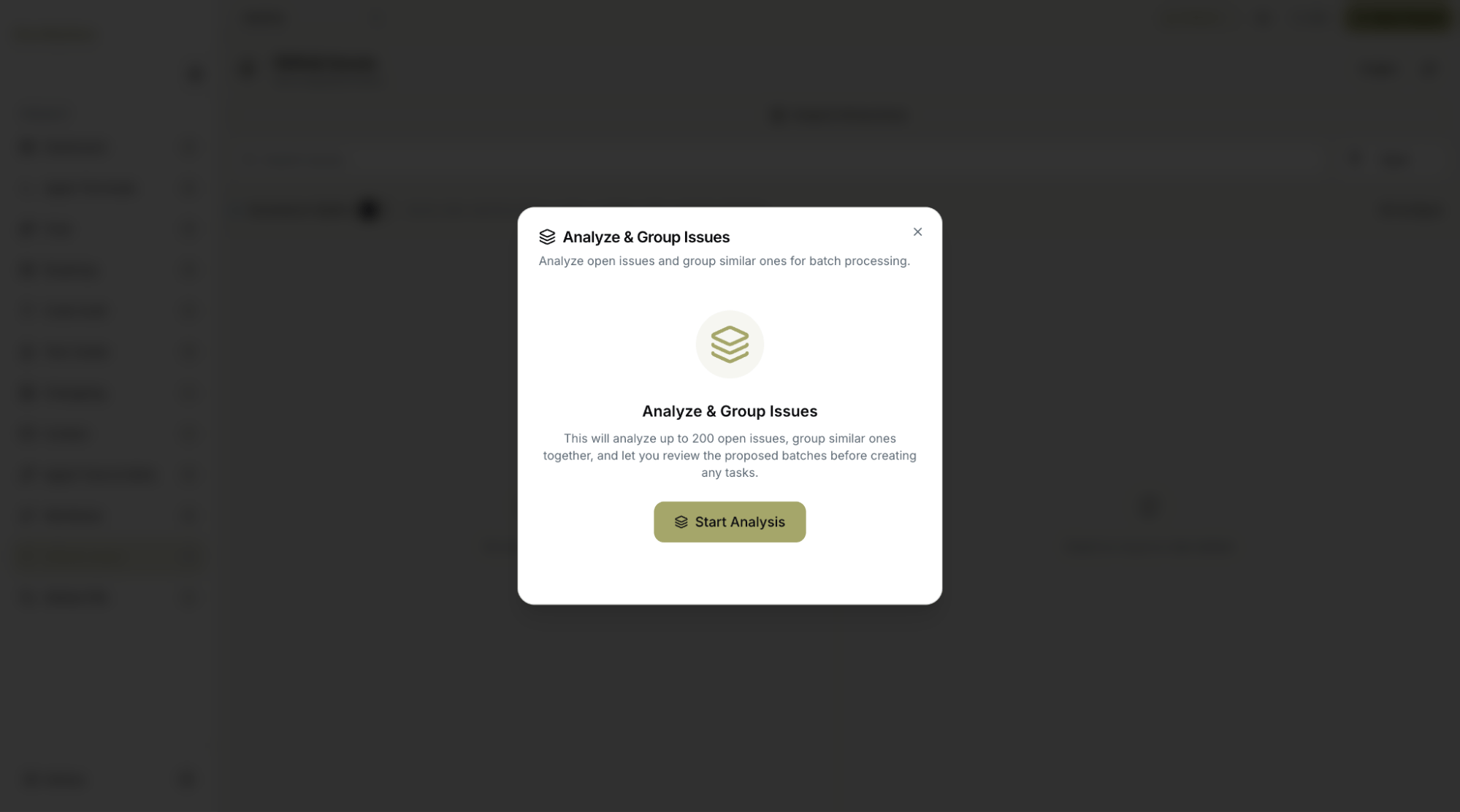
Rather than working through a long list one by one, use **Analyze & Group Issues**. MyaiOne for Development analyzes your open issues and clusters related ones together, so you can see the themes in your backlog and tackle related work as a batch instead of in isolation.
***
## Step 3: Analyze and group related issues
Rather than working through a long list one by one, use **Analyze & Group Issues**. MyaiOne for Development analyzes your open issues and clusters related ones together, so you can see the themes in your backlog and tackle related work as a batch instead of in isolation.
 ***
## Step 4: Let the autonomous pipeline run and review the pull requests
With a tracker connected, the **Autonomous Pipeline** works the backlog down on its own. It's a server-side workflow that takes matching issues all the way to a pull request: it matches issues, drafts a spec, writes the code, opens a PR, and then auto-fixes until the build is green — all without you driving each step.
Your role shifts to review: each result arrives as a pull request you review and merge through your normal flow, and which also appears on the **GitHub PRs** page in MyaiOne for Development.
**Server-side means hands-off.** Because the pipeline runs server-side, it keeps working through the spec → code → PR → fix loop on its own. You don't need to keep a terminal open or drive each step.
***
## Step 4: Let the autonomous pipeline run and review the pull requests
With a tracker connected, the **Autonomous Pipeline** works the backlog down on its own. It's a server-side workflow that takes matching issues all the way to a pull request: it matches issues, drafts a spec, writes the code, opens a PR, and then auto-fixes until the build is green — all without you driving each step.
Your role shifts to review: each result arrives as a pull request you review and merge through your normal flow, and which also appears on the **GitHub PRs** page in MyaiOne for Development.
**Server-side means hands-off.** Because the pipeline runs server-side, it keeps working through the spec → code → PR → fix loop on its own. You don't need to keep a terminal open or drive each step.
 ***
Starting from the backlog in your existing tracker, MyaiOne for Development grouped the related issues and ran an autonomous, server-side pipeline that turns each into a pull request and fixes it until green — leaving you to review and merge rather than implement from scratch. GitHub is shown here; GitLab, Jira, and Linear connect the same way.
***
Starting from the backlog in your existing tracker, MyaiOne for Development grouped the related issues and ran an autonomous, server-side pipeline that turns each into a pull request and fixes it until green — leaving you to review and merge rather than implement from scratch. GitHub is shown here; GitLab, Jira, and Linear connect the same way.