> ## Documentation Index
> Fetch the complete documentation index at: https://docs.myaione.com/llms.txt
> Use this file to discover all available pages before exploring further.
# Linear Integration
> Connect this project to Linear for issue tracking and task import in MyaiOne for Development — enable sync to create and update Linear issues automatically.
The **Linear Integration** settings connect this project to **Linear** for issue tracking and task import. With it enabled, MyaiOne for Development can keep Linear in step with the work happening in your project automatically.
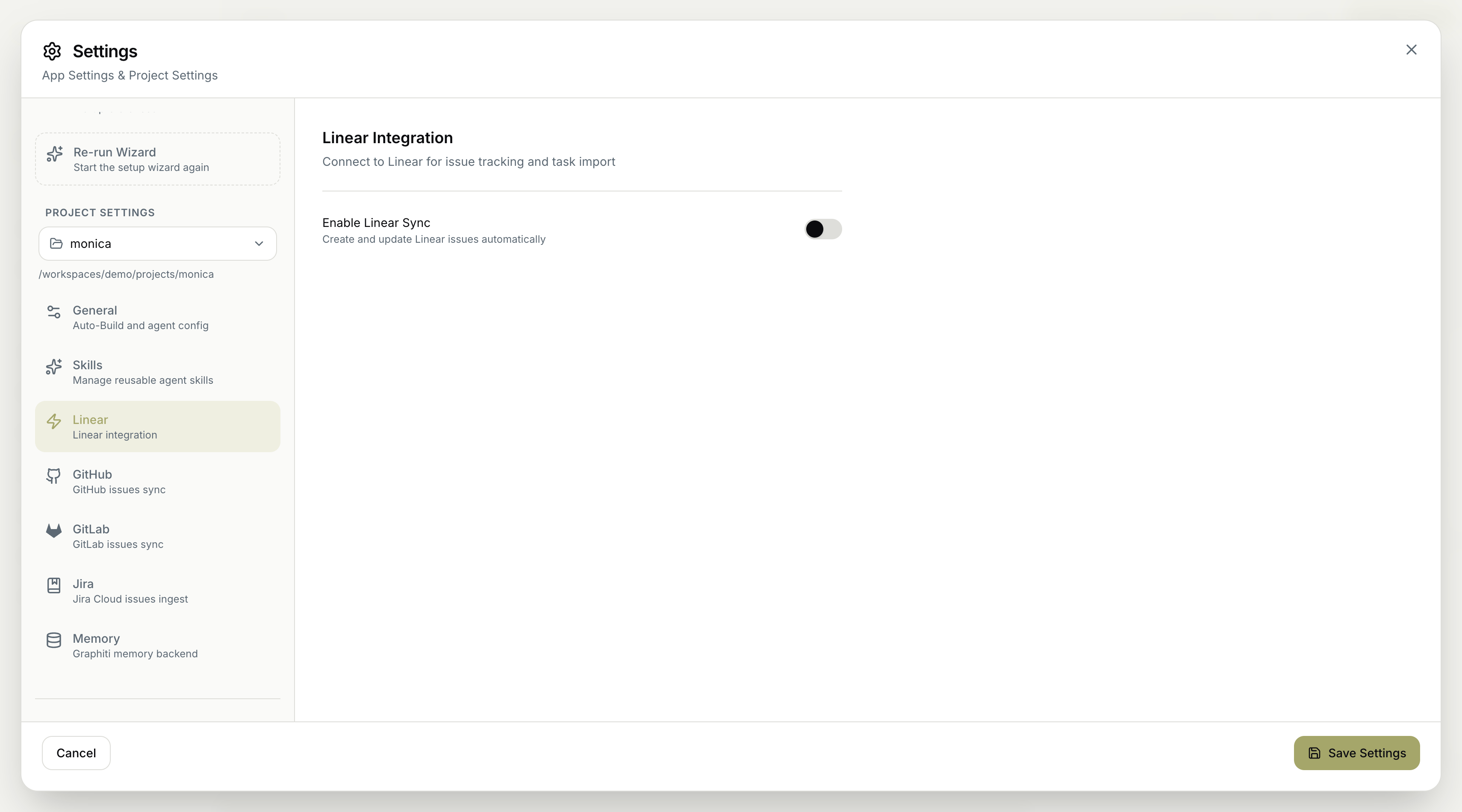 ## Enable Linear Sync
* **Enable Linear Sync** — create and update Linear issues automatically, so your Linear workspace reflects the project's work without manual updates.
Linear is one of the issue trackers MyaiOne for Development supports. Connecting it here lets the project import tasks from Linear and push status back to it. For the broader workflow of pulling a tracker's backlog and working it down, see [Triage your issue tracker autonomously](/triage-your-issue-tracker-autonomously).
Remember to save your changes for them to take effect.
## Enable Linear Sync
* **Enable Linear Sync** — create and update Linear issues automatically, so your Linear workspace reflects the project's work without manual updates.
Linear is one of the issue trackers MyaiOne for Development supports. Connecting it here lets the project import tasks from Linear and push status back to it. For the broader workflow of pulling a tracker's backlog and working it down, see [Triage your issue tracker autonomously](/triage-your-issue-tracker-autonomously).
Remember to save your changes for them to take effect.