> ## Documentation Index
> Fetch the complete documentation index at: https://docs.myaione.com/llms.txt
> Use this file to discover all available pages before exploring further.
# Introduction
> MyaiOne for Development is an AI-powered environment where coding agents take work from spec to reviewed code in a dedicated cloud workspace, with security scanning, testing, and human review built in.
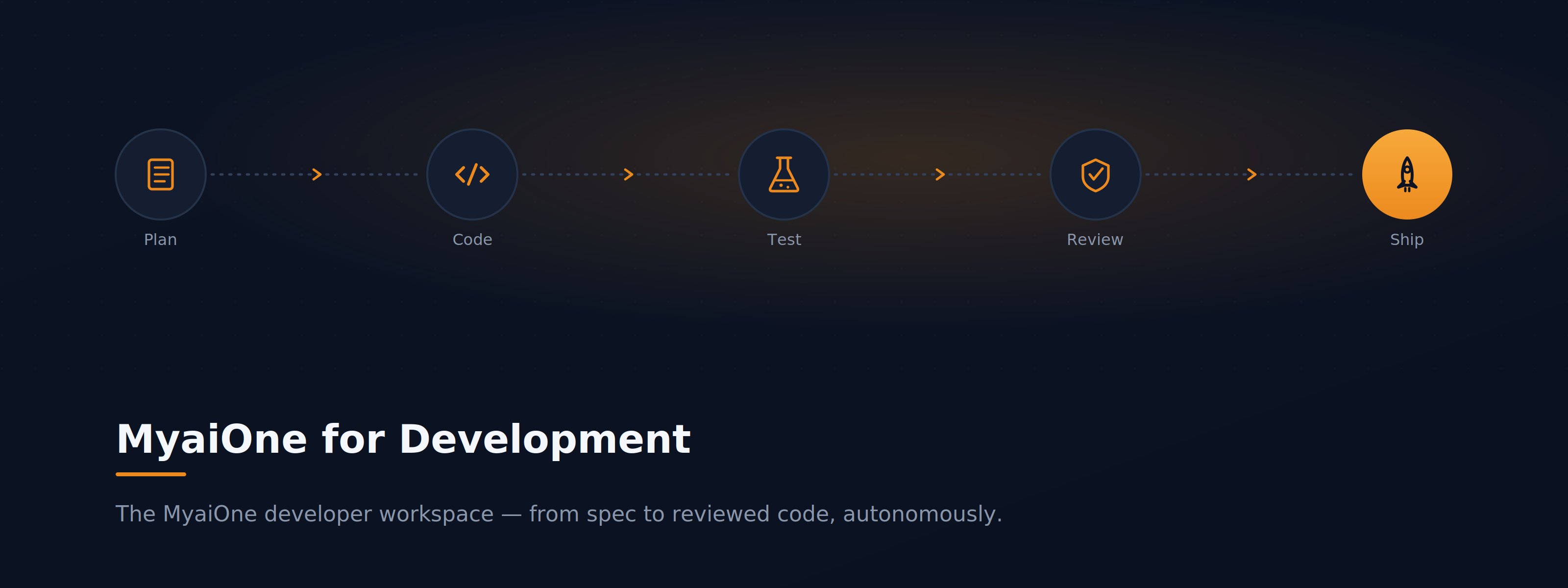
 **MyaiOne for Development** is the developer workspace in the MyAIOne platform. It gives your team a dedicated cloud workspace where AI coding agents take tasks from spec through code to QA, running an autonomous **spec → code → review** pipeline on resilient infrastructure. You open it from your MyAIOne dashboard at `devstation.myai1.ai`.
MyaiOne for Development builds on coding agents you already know — **Claude, Codex, and Cursor** — and adds the structure around them: isolated workspaces, a task pipeline, quality gates, and the controls to keep humans in the loop.
## How it works
Every project runs in its own dedicated cloud workspace. AI coding agents pick up tasks and move them through a build-and-review pipeline — **Planning → Queue → In Progress → AI Review → Human Review → Done** — each working in an isolated git worktree so parallel work never collides. Security scanning, testing, and CI/CD quality gates are built in, agents autofix failing checks until they pass, and you can step into the code yourself at any point over Web, IDE, or SSH.
## Where to go next
Set up MyaiOne for Development from scratch — sign in, create your first project, and land in your workspace.
Task-based walkthroughs: patch a vulnerability, onboard, run parallel agents, triage issues, and more.
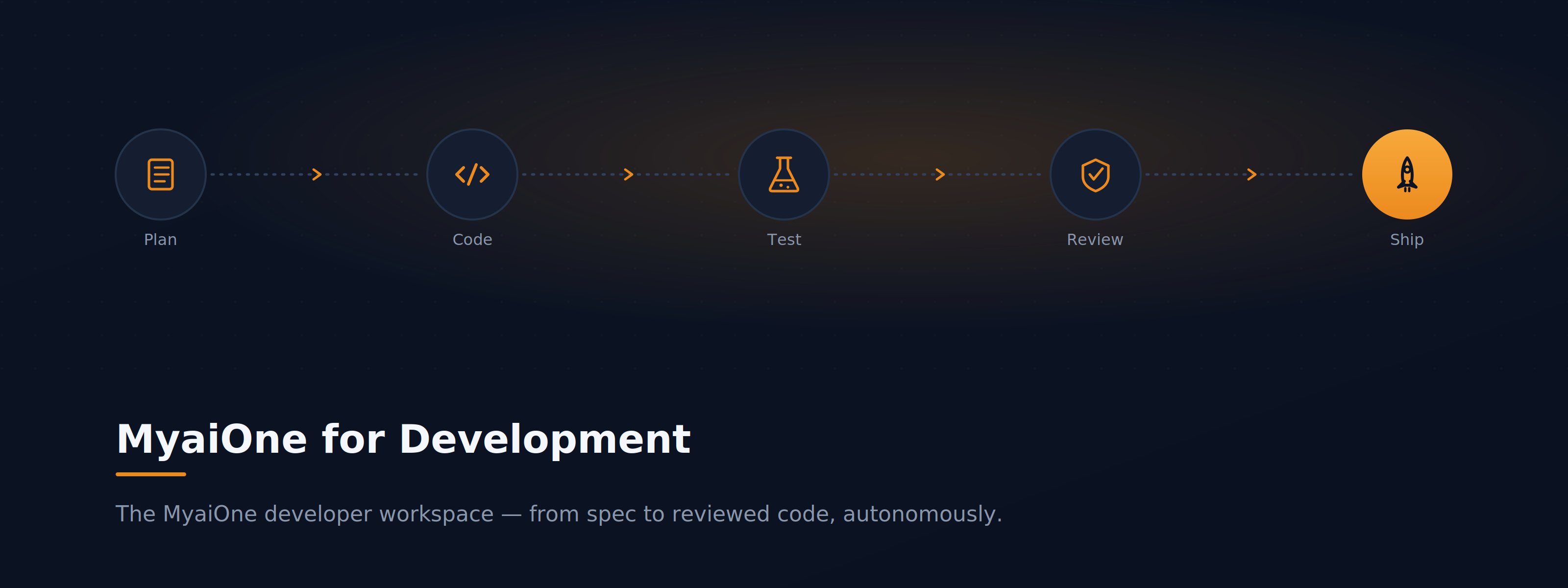
**MyaiOne for Development** is the developer workspace in the MyAIOne platform. It gives your team a dedicated cloud workspace where AI coding agents take tasks from spec through code to QA, running an autonomous **spec → code → review** pipeline on resilient infrastructure. You open it from your MyAIOne dashboard at `devstation.myai1.ai`.
MyaiOne for Development builds on coding agents you already know — **Claude, Codex, and Cursor** — and adds the structure around them: isolated workspaces, a task pipeline, quality gates, and the controls to keep humans in the loop.
## How it works
Every project runs in its own dedicated cloud workspace. AI coding agents pick up tasks and move them through a build-and-review pipeline — **Planning → Queue → In Progress → AI Review → Human Review → Done** — each working in an isolated git worktree so parallel work never collides. Security scanning, testing, and CI/CD quality gates are built in, agents autofix failing checks until they pass, and you can step into the code yourself at any point over Web, IDE, or SSH.
## Where to go next
Set up MyaiOne for Development from scratch — sign in, create your first project, and land in your workspace.
Task-based walkthroughs: patch a vulnerability, onboard, run parallel agents, triage issues, and more.